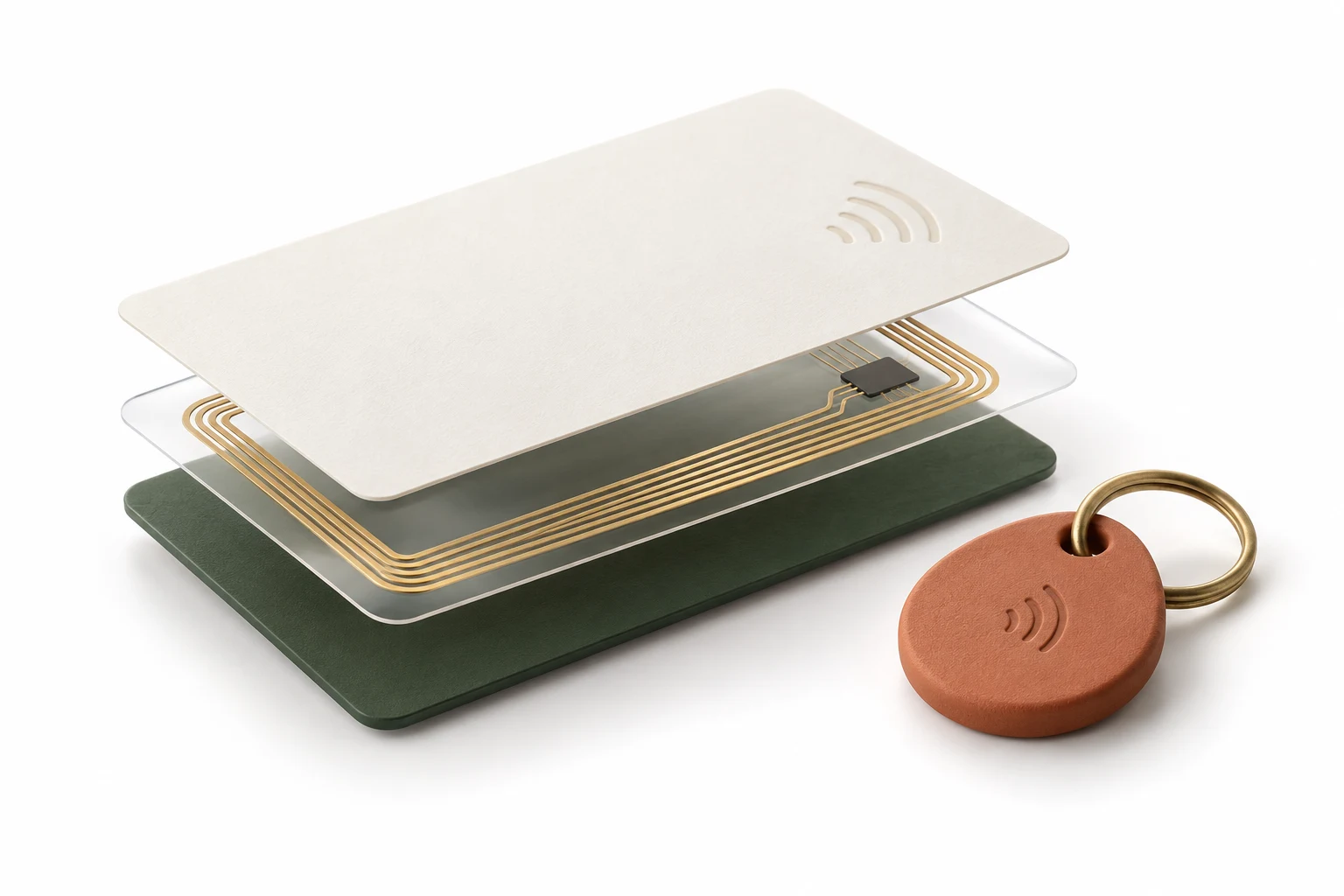
Someone found your pet. A guest needs the Wi-Fi. Your tag should make the next step obvious.
Pet ID, Lost & Found and Guest Guide.
Useful from the very first tap.
Pet ID, Lost & Found and Medical ID have new layouts, clearer contact details, and separate call and text actions. Two new page types join the collection: Guest Guide and Link Page.
Copy a number or save a contact.
Prepare a finder’s location message, then choose whether to send it.
Share a card, or print and save it as a PDF.
Keep using tags you’ve already written.
Made with PocketNFC Premium. Create and write your tags in the app.
Ten new Premium workspaces bring structure to your captures, experiments, production runs and everyday equipment.
01
Visual Card Decoder
Turn raw bytes into named text, dates, numbers and flags. Save the schema for your next capture.
02
NFC Projects
Keep captures, baselines, copied scripts and notes together, with import and export.
03
Scan Workflows
Connect scans and verified writes to rules, Shortcuts and signed webhooks, with a foreground retry queue.
04
Production Jobs
Save CSV jobs, reserve each tag’s UID, verify writes and keep receipts for every completed row.
05
NFC Label Designer
Create branded QR labels for your tags. Export a PDF or send A4 and Letter layouts to AirPrint.
06
Equipment & Maintenance
Track loans, returns, due dates and inspection checklists alongside your tagged equipment.
07
APDU Test Runner
Run repeatable ACS command sessions with response checks, variables, baselines and reports.
08
Tag Deployments
Group deployed tag URLs by location and retain status, redirect and content-change evidence.
09
Project Sync
Exchange projects through a chosen Files or iCloud Drive folder, with explicit conflict choices.
10
Filament Spools
Read OpenPrintTag data on supported NFC-V tags and keep material and consumption records.
The quieter improvements +
Block-comparison notes now persist between visits.
Script and template save failures are visible, with originals preserved and retry available.
A successful Premium purchase continues to the tool you originally selected.
Workspace backups include the new data. Imported automation starts disabled, and old delivery queues are not replayed.
Existing free writing, batch/CSV tools and reader features retain their access.
These workspaces have been implemented and compiled. Interface, purchase, physical-card, printer and cross-device checks are still part of pre-release refinement. Workflows and folder sync run in the foreground.
Check in a guest, issue a pass, and see what happens at the reader. Practice with a virtual card, or use a compatible ACS or Chameleon reader with physical practice cards.
Room 204: watch a guest key unlock the door.Recorded simulator preview
Explore
Seven places. One connected stay.
A resort map links the front desk, Room 204, the waterpark, pass office, café, top-up kiosk and checkout. Travel hints and a smaller destination panel make it easier to find the next stop.
Practice
Start with a virtual card.
Learn setup, issuance and room access through a resumable guide. Character narration, captions, skip, mute and replay controls let you choose your pace.
Manage
One front desk. Every guest pass.
Issue family passes, review guest folios and manage access from the front desk. Tap a pass at checkout to review the bill and finish the stay.
Front desk→Room 204→Pool & café→Checkout
Guest passes, checkout & other changes +
Family passes and batches of up to four distinct bands, with issuance progress and interrupted-write recovery.
Reviewed café orders with purse or room allocation, top-ups and receipts. All balances and payments in the simulator use pretend credits.
Tap-first checkout reads the presented pass before showing the bill. An explicit “Paid in cash” action settles the simulator’s linked folios.
Checkout deactivates linked passes. Compatible Classic-card return and erasure flows include confirmation, known-key preflight, recovery records and read-back checks.
POS pass deletion keeps revocation and stay history while leaving other family passes active.
The app stays in portrait outside the landscape simulator; packaging checks help catch missing game data before a build is delivered.
Preview media shows the current development build; the final interface may change. The simulator and its physical reader paths remain under refinement; compatibility depends on the reader and card.
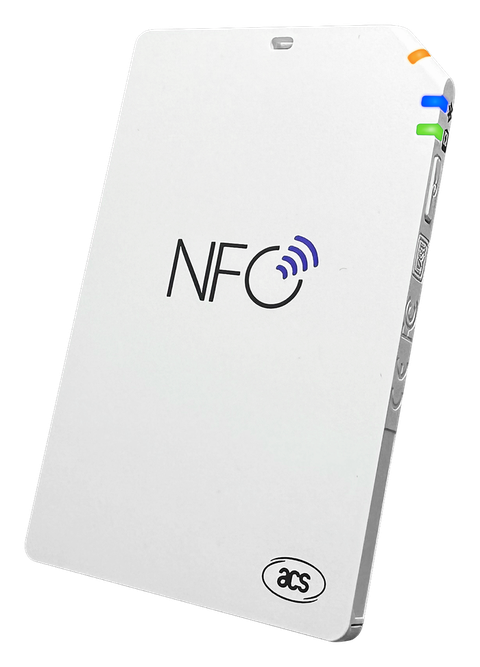
The ACS workspace now lives directly in Scan, with separate Read cards and Reader tools sections and familiar Back navigation.
01
Place your card.
Clearer connection setup, slot labels and Bluetooth guidance.
02
See the read progress.
Reader actions are grouped together, with busy states and retry guidance.
03
Understand the result.
Partial reads and metadata-only results are clearly distinguished from complete captures.
More reader & navigation refinements +
Finished results remain visible until you choose another read. Retry and card-session cleanup are more explicit.
Inspect Card, Command Console, Reader Settings and Card Emulation open as native pages in the ACS workspace.
Console drafts persist across transport changes, with clearer invalid-hex feedback.
Emulation validates the supplied data before changing reader mode and retains a route back to reading.
Library’s Saved cards / Keys & passwords selector sits below the navigation title. Simulator styling no longer switches the appearance of the whole app window.
Reader refinements were reviewed in development builds. Connected hardware behavior and accessibility checks remain part of release preparation.
Better organization, clearer capture steps, and fixes to the details you rely on every day.
01 / ORGANIZE
A clearer Key Vault.
My keys, Card profiles and Tag passwords have their own spaces, with search, collections, rename, reveal and copy controls. The included library now has 500 sourced public defaults, alongside retained legacy entries.
02 / CAPTURE
A guided Chameleon flow.
Source-card capture, working-key checks and slot preparation follow a clearer sequence. Ultralight workflows add credential verification before saving or preparing supported emulation data.
03 / CREATE
Tools with a proper home.
Studio groups tools into six task categories with global search. Basic writing and batch/CSV tools stay free, including Batch Writer wherever you open it.
Writing, import & saved-data fixes +
Improved Windows CSV handling, literal template substitution and Unicode inventory-field handling.
Mixed NDEF edits preserve records the editor does not interpret, rather than silently rebuilding them.
Malformed hexadecimal input is rejected more clearly.
Key Vault edits preserve identity and usage history; partial rescans retain previously known key evidence.
Failed saves and deletions roll back visible state, and corrupt or unreadable originals are preserved for recovery.
Chameleon’s guided credential flows distinguish known or captured credentials from unsupported recovery claims. Physical reader and card behavior still needs device validation.
✳
That’s the latest. More when there’s something worth sharing.